Bank statements and matching
Your team's bank details
Add the team account's details so parents can pay by bank transfer. If they change, parents are warned before they pay.
Last updated 7 October 2026
Parents who'd rather pay by bank transfer see the team's account details on their child's statement, with the child's reference to use.
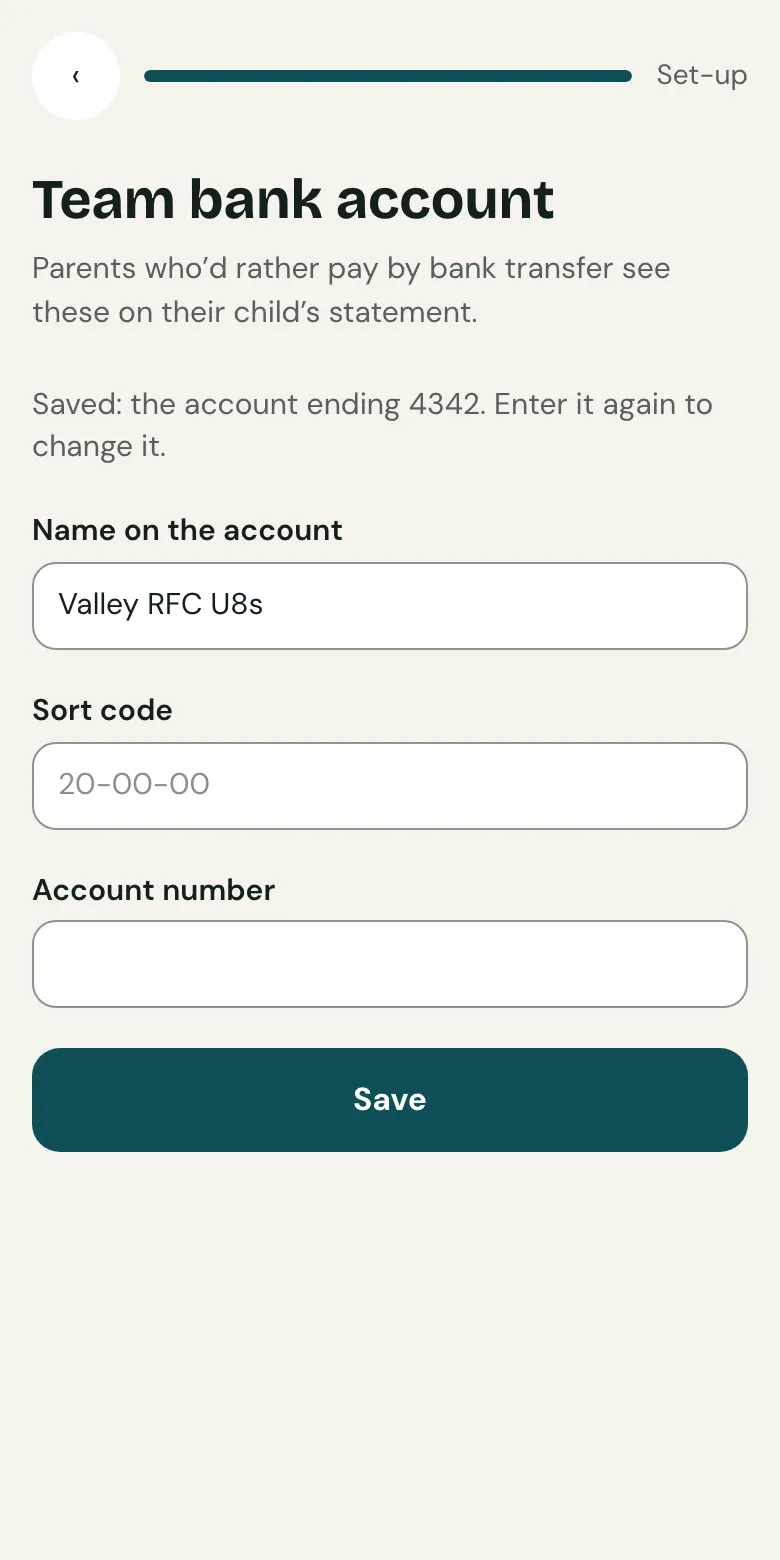
Add the details
- Open Finish setting up, then Payments and your bank, then Add the team's bank details for transfers.
- Enter the name on the account, the sort code and the account number, exactly as the bank has them.
- Save.
If they change
Changing them is a big deal for parents, so Clubtab makes it visible:
- The club's admins and the team's other managers are emailed.
- For 30 days, parents see when the details changed and are asked to check with you if they weren't expecting it.
Otherwise their statement says how long the details have been the same.
Transfers into the account
Upload your statement each month and Clubtab matches each transfer to a child by its reference. See Upload a bank statement.
Related guides
- How parents payParents open the statement link you send, see what’s paid and what’s due, and pay by card, Apple Pay, Google Pay or Direct Debit. No account or app needed.
- Upload a bank statementDownload your team account’s statement as a CSV file, then upload it in the Match inbox. Clubtab matches what it can and asks you about the rest.
- Turn on online paymentsOpen Money, choose Take payments online and follow Stripe’s steps. It takes about ten minutes, and parents can pay from their statement straight after.
Still stuck? In the app, open Help and choose Contact support, or email [email protected]. We reply within one working day.