Online payments
Try payments with a test team
Start a test team of your own and pay with Stripe's test cards. You see exactly what parents see, and no real money moves.
Last updated 7 October 2026
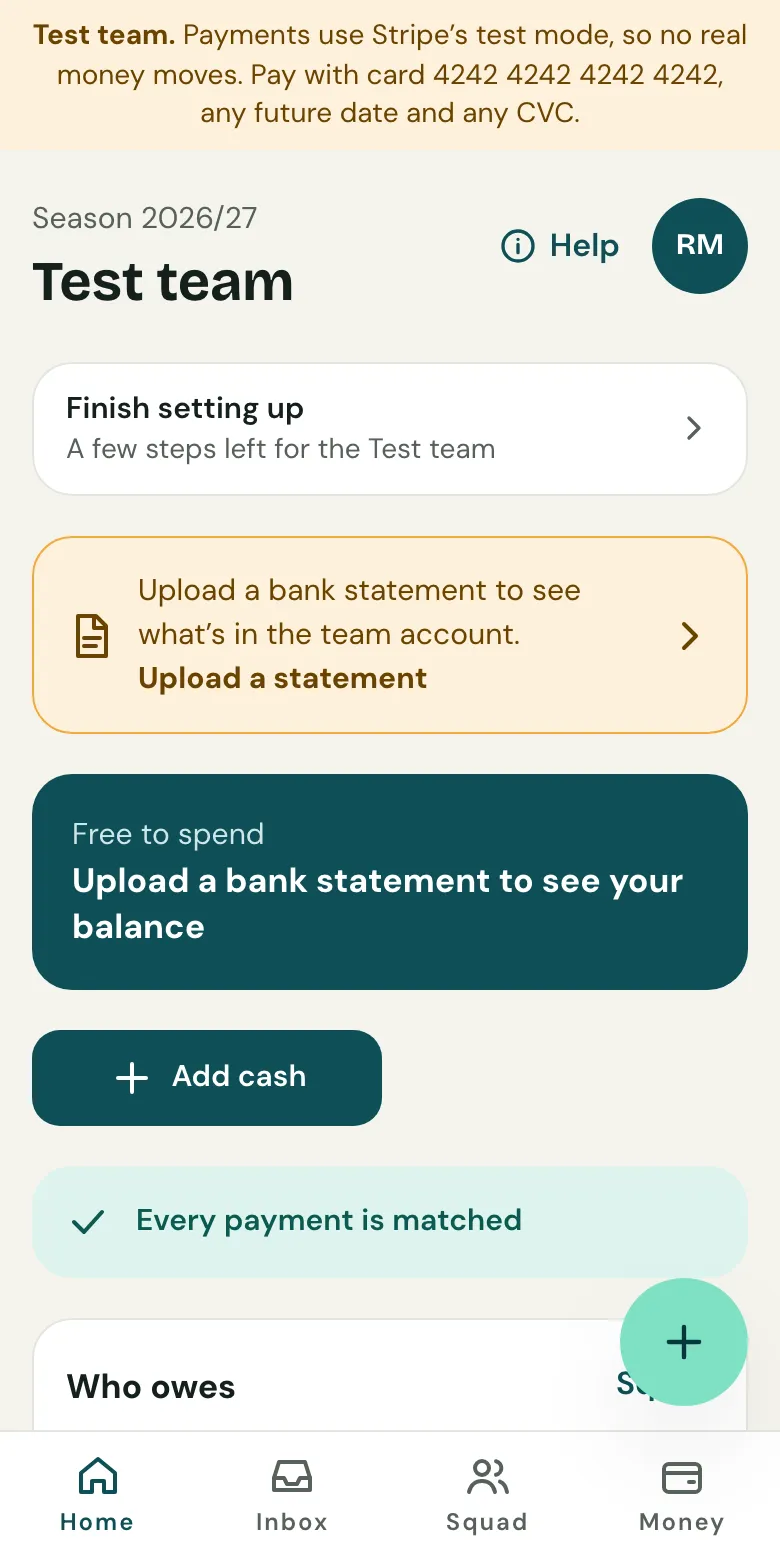
Not sure about online payments yet? Try them on a test team first. It works like a real team, but every payment goes through Stripe's test mode, so no real money moves.
Start a test team
- Open Your account: from the menu under your initials on your team's pages, or Your account on your club's pages.
- Under Try payments, choose Start a test team.
It opens straight away. Every page of it, and its parents' pages, says it's a test team.
Take a test payment
- Add a child or two and what you collect, as you would for a real team.
- Turn on online payments. Stripe's sign-up runs in test mode, so you can fill it in with Stripe's test details.
- Open a child's parent link and pay with card 4242 4242 4242 4242, any future date and any CVC.
The payment arrives and is matched, just as a parent's would be.
Good to know
- It's your own team, with no club, and you can have one.
- Nothing is sent to anyone, unless you invite a co-manager on purpose.
- Plans on a test team never cost anything.
- It's left out of everything Clubtab counts.
When you're done, choose Delete Test team under Try payments. Everything in it goes. Your real teams aren't touched.
Related guides
- Turn on online paymentsOpen Money, choose Take payments online and follow Stripe’s steps. It takes about ten minutes, and parents can pay from their statement straight after.
- How parents payParents open the statement link you send, see what’s paid and what’s due, and pay by card, Apple Pay, Google Pay or Direct Debit. No account or app needed.
- Direct Debit for monthly subsOn the Team or Club plan, parents can set up Direct Debit from their statement once, and each month’s subs are collected by themselves.
Still stuck? In the app, open Help and choose Contact support, or email [email protected]. We reply within one working day.