Year end
The year-end pack
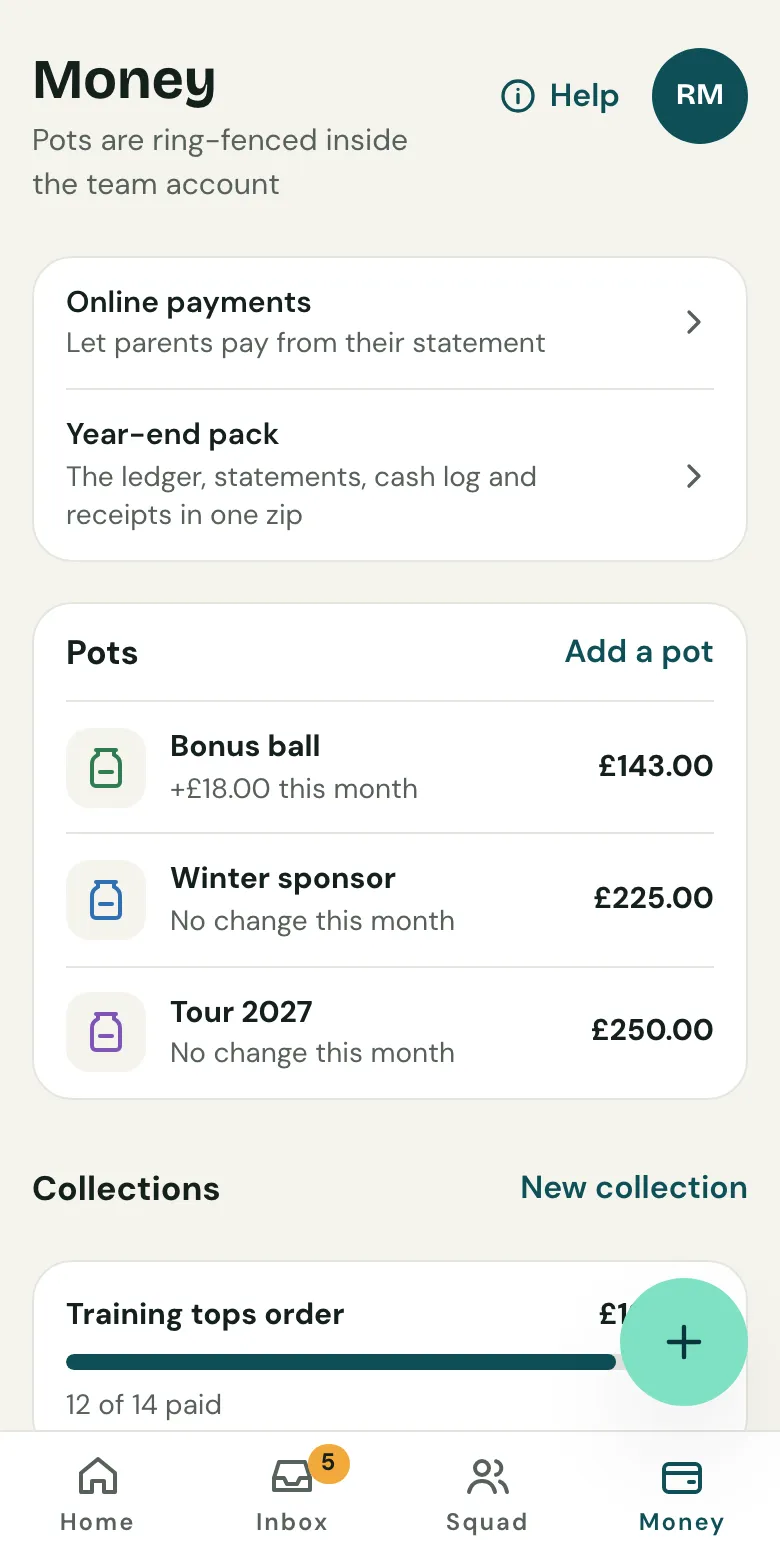
Open Money and choose Year-end pack. Clubtab builds the ledger, statements, cash log and receipts into one download, ready for the club treasurer.
Last updated 7 October 2026
At the end of the season, hand the club treasurer everything in one go. The year-end pack is on the Team and Club plans.
Build the pack
- Open Money, then Year-end pack: “The ledger, statements, cash log and receipts in one zip”.
- Check the dates cover your season.
- Build the pack. It takes a minute or two, and Clubtab tells you when it’s ready.
What’s inside
- A summary, as a PDF and as a web page
- The ledger as a spreadsheet: every payment in and out, tagged to a player and a purpose
- Your bank statements and the cash log
- Every receipt you attached
Send it to the club
If your team is in a club on Clubtab, choose Send to the club. The club's admins and treasurer are emailed a link to download it. It stays with the club even if the team leaves, and on the Club plan it's listed on the club overview. Otherwise, download the zip and send it however suits you.
Before you build it, clear the Match inbox, so every payment is in the right place.
Related guides
- Record cashOpen Money, then Cash, and record what you took. It shows on the player’s statement straight away, and Clubtab matches it when you bank it.
- Upload a bank statementDownload your team account’s statement as a CSV file, then upload it in the Match inbox. Clubtab matches what it can and asks you about the rest.
Still stuck? In the app, open Help and choose Contact support, or email [email protected]. We reply within one working day.