Cash
Record cash
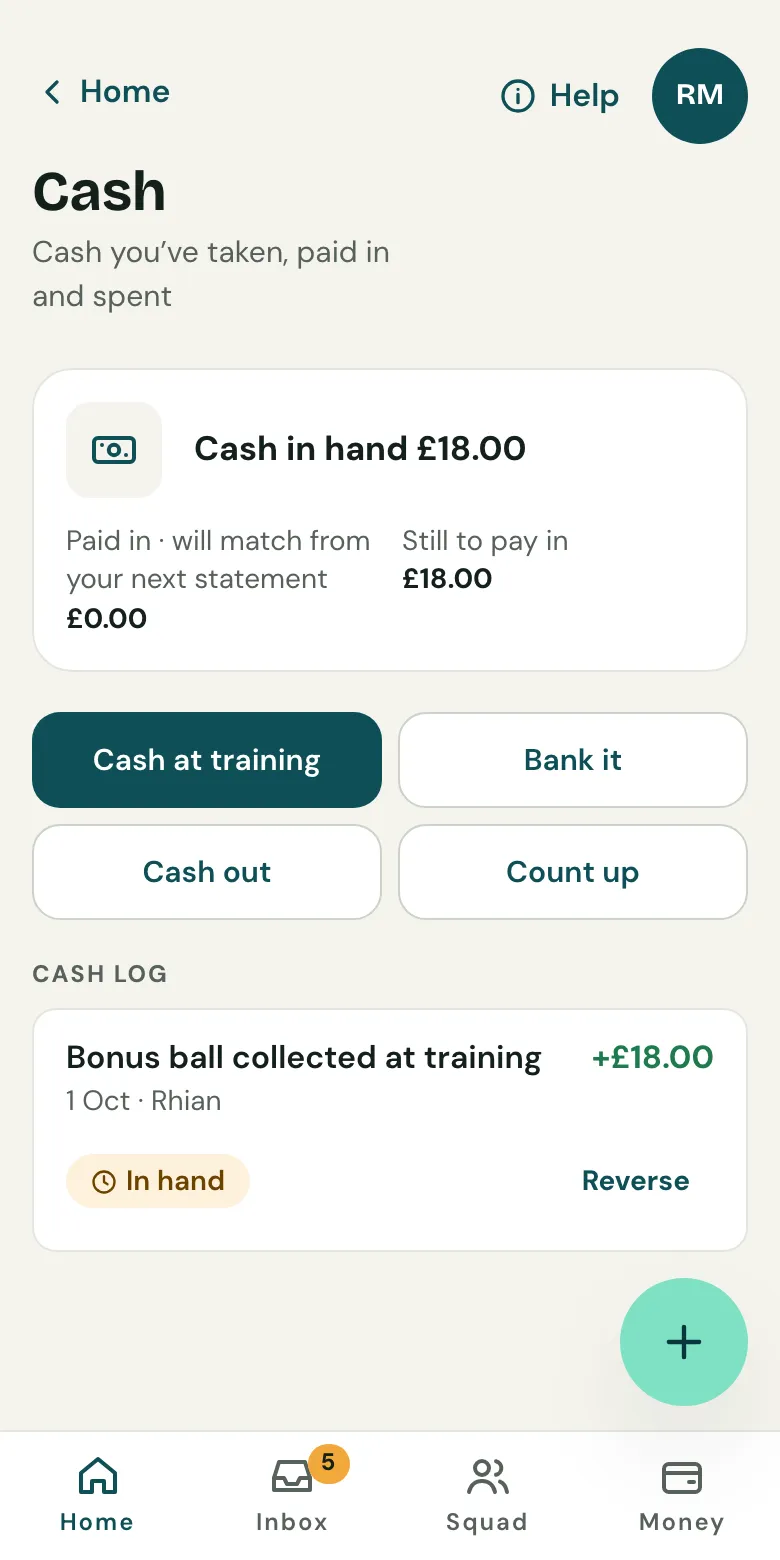
Open Money, then Cash, and record what you took. It shows on the player’s statement straight away, and Clubtab matches it when you bank it.
Last updated 5 October 2026
Record cash when you take it, and it’s on the player’s statement straight away. When you pay it into the bank, Clubtab matches the deposit, so nothing is counted twice.
Cash from players
- Open Money, then Cash.
- Choose Cash at training.
- Tick who paid and what it was for, like subs or a match fee.
- Save. Each family’s statement updates at once.
Cash from anyone else
For a sponsor, a donation or a collection bucket, choose the other cash option and say who it’s from. You can send a sponsor or donor a thank-you receipt if you save their email.
Paying it in
When you take the cash to the bank, choose Bank it. The deposit on your next bank statement is matched to it, even if it lands a few days either side.
Spending cash or counting up
- Cash out: record cash you spent, like the referee’s fee, and add the receipt.
- Count up: check the cash in the tin against what Clubtab expects.
Made a mistake? Reverse the cash entry instead of deleting it, so the history stays honest.
Related guides
- Upload a bank statementDownload your team account’s statement as a CSV file, then upload it in the Match inbox. Clubtab matches what it can and asks you about the rest.
- The year-end packOpen Money and choose Year-end pack. Clubtab builds the ledger, statements, cash log and receipts into one download, ready for the club treasurer.
Still stuck? In the app, open Help and choose Contact support, or email [email protected]. We reply within one working day.