Your team
Invite a co-manager
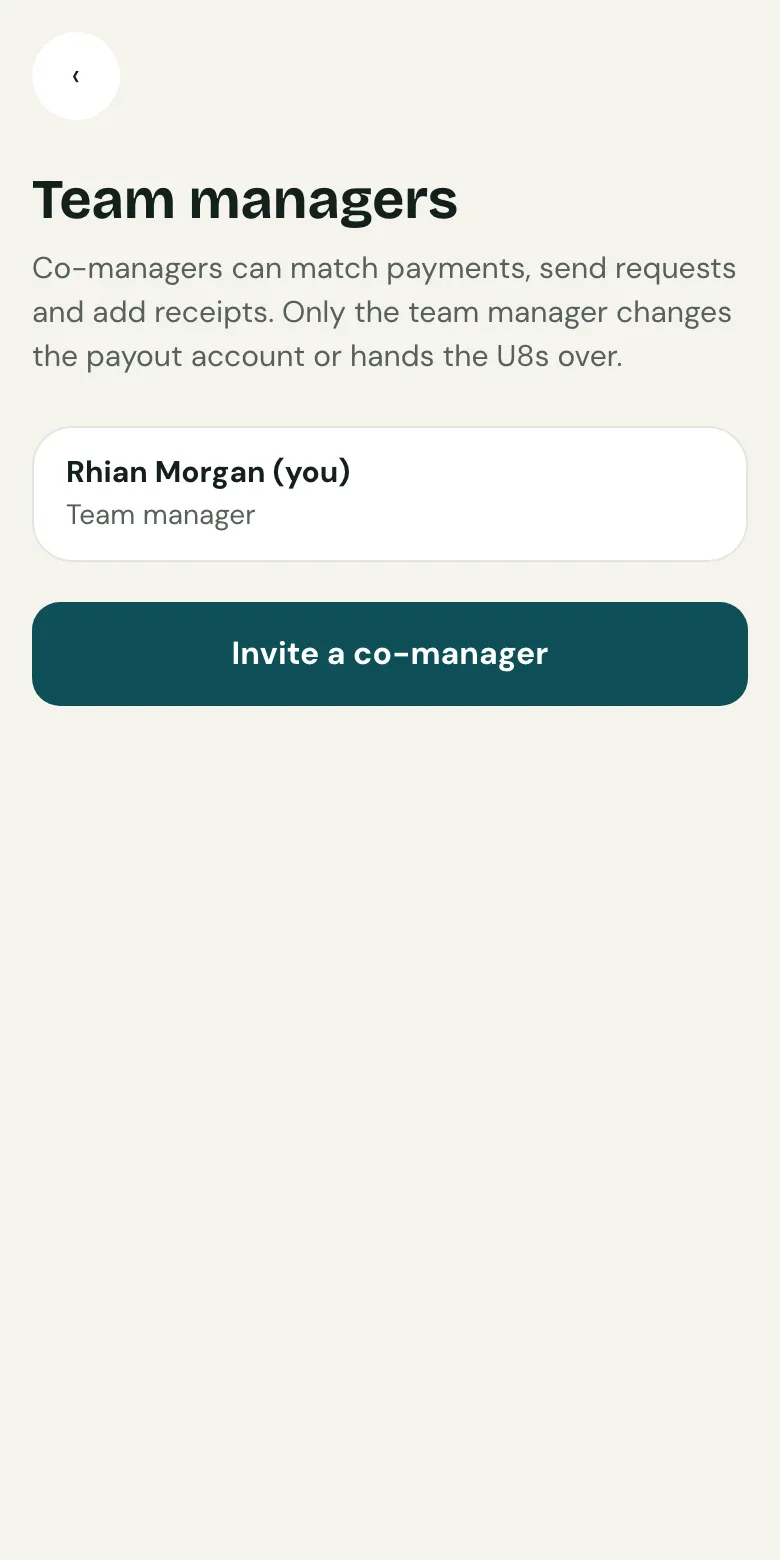
Open Team managers and choose Invite a co-manager, by email or with a link. Co-managers can match payments, send requests and add receipts.
Last updated 5 October 2026
Share the work: co-managers can match payments, send requests and add receipts. Only the team manager changes the payout account or hands the team over.
Send an invite
- From your team’s set-up, open Team managers.
- Choose Invite a co-manager.
- Type their email and send the invite, or copy the invite link to share yourself, for example in WhatsApp.
- They open the link, sign in with their email, and join the team.
Invite links work once and expire after 14 days. If one runs out, send another.
Taking someone off
From the same page, remove anyone who no longer helps. Everything they recorded stays with the team.
Related guides
- Record cashOpen Money, then Cash, and record what you took. It shows on the player’s statement straight away, and Clubtab matches it when you bank it.
- Turn on online paymentsOpen Money, choose Take payments online and follow Stripe’s steps. It takes about ten minutes, and parents can pay from their statement straight after.
Still stuck? In the app, open Help and choose Contact support, or email [email protected]. We reply within one working day.