Running a club
Your club's look and address
Add the crest and colours parents see, and on the Club plan give the club its own address for parent links, like yourclub.clubtab.co.uk.
Last updated 7 October 2026
Parents trust a payment page that looks like their club. Set the look once and every team's parent links, payment requests, posters and year-end packs use it.
The club's look
- On your club's set-up page choose Club settings (or Settings in the club's pages), then Club look.
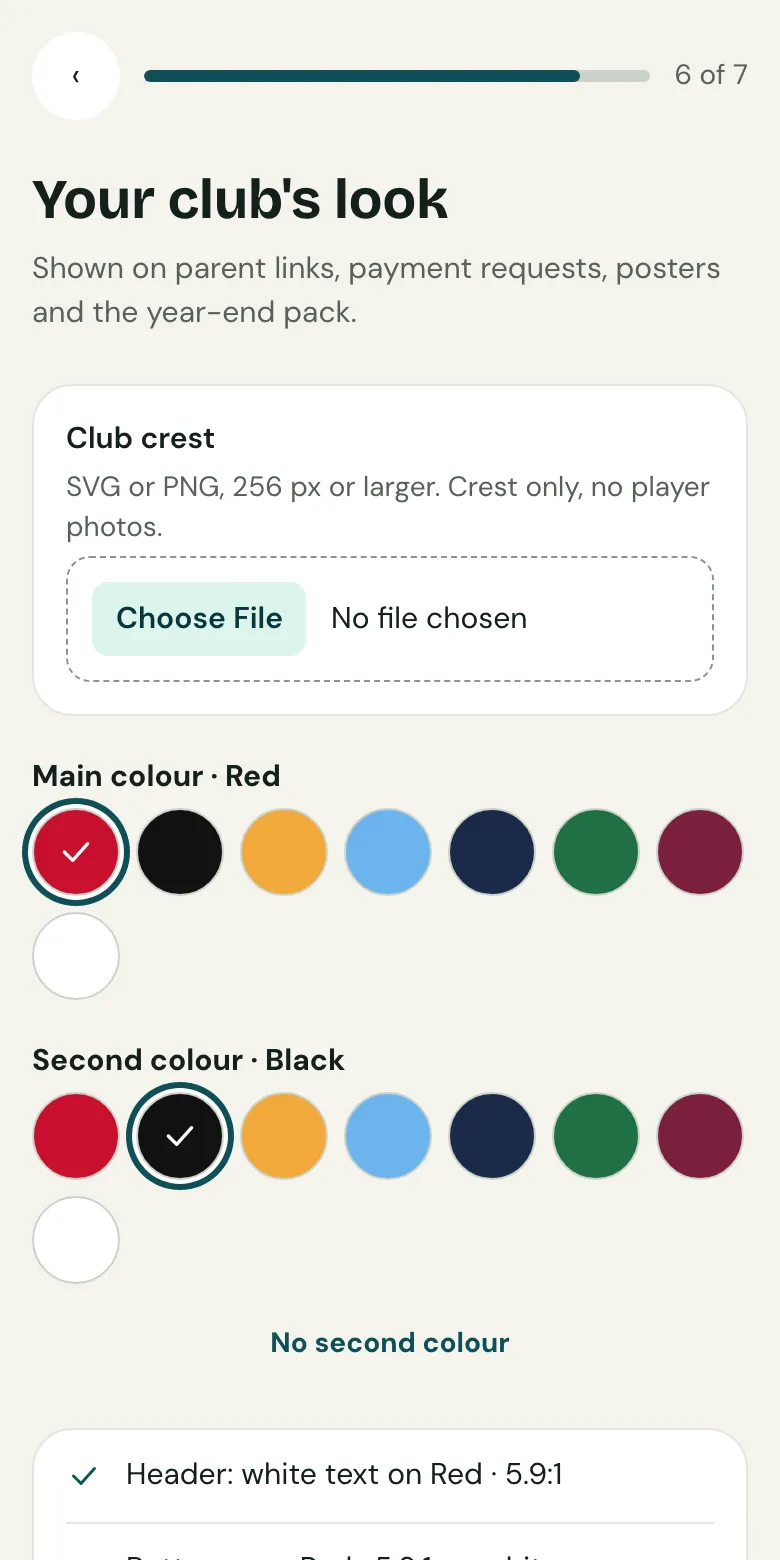
- Add the crest: an SVG or PNG, 256 pixels or larger. Crest only, no player photos. Tick to confirm the club has the right to use it.
- Pick a main colour and, if you like, a second one. Clubtab checks every pair is easy to read, and warns if the hoops won't show.
- Add a short name for small spaces, of up to 8 characters, and a welcome line for parents.
- Choose whether parent pages are in English or Welsh, check the preview, then Save club look.
On the Club plan parents see the full look. Otherwise they see the club's name and main colour.
The club's own address
On the Club plan, give parent links the club's own address, like valleyrfc.clubtab.co.uk.
- Open Club settings, then Club address.
- Choose 3 to 30 lowercase letters, numbers and hyphens. Clubtab suggests one from the club's name.
- Choose Save club address.
Parent links, payment emails and receipts use it from then on. If you change it later, the old address keeps working for a year, so links already sent still open.
Related guides
- The treasurer's viewEvery team's balance, pots, free to spend and money due to the club, in one read-only view, with exports for the AGM.
- How parents payParents open the statement link you send, see what’s paid and what’s due, and pay by card, Apple Pay, Google Pay or Direct Debit. No account or app needed.
- Set up or claim your clubPut your club on Clubtab, or claim it if a manager already started it, then set the registration fee, season dates and teams.
Still stuck? In the app, open Help and choose Contact support, or email [email protected]. We reply within one working day.