Your account
Signing in and passkeys
Clubtab never asks for a password. Sign in with a link we email you, or add a passkey to sign in with Face ID, a fingerprint or your phone.
Last updated 7 October 2026
There's no password to remember or lose. You sign in with a link we email you, or with a passkey on your phone or computer.
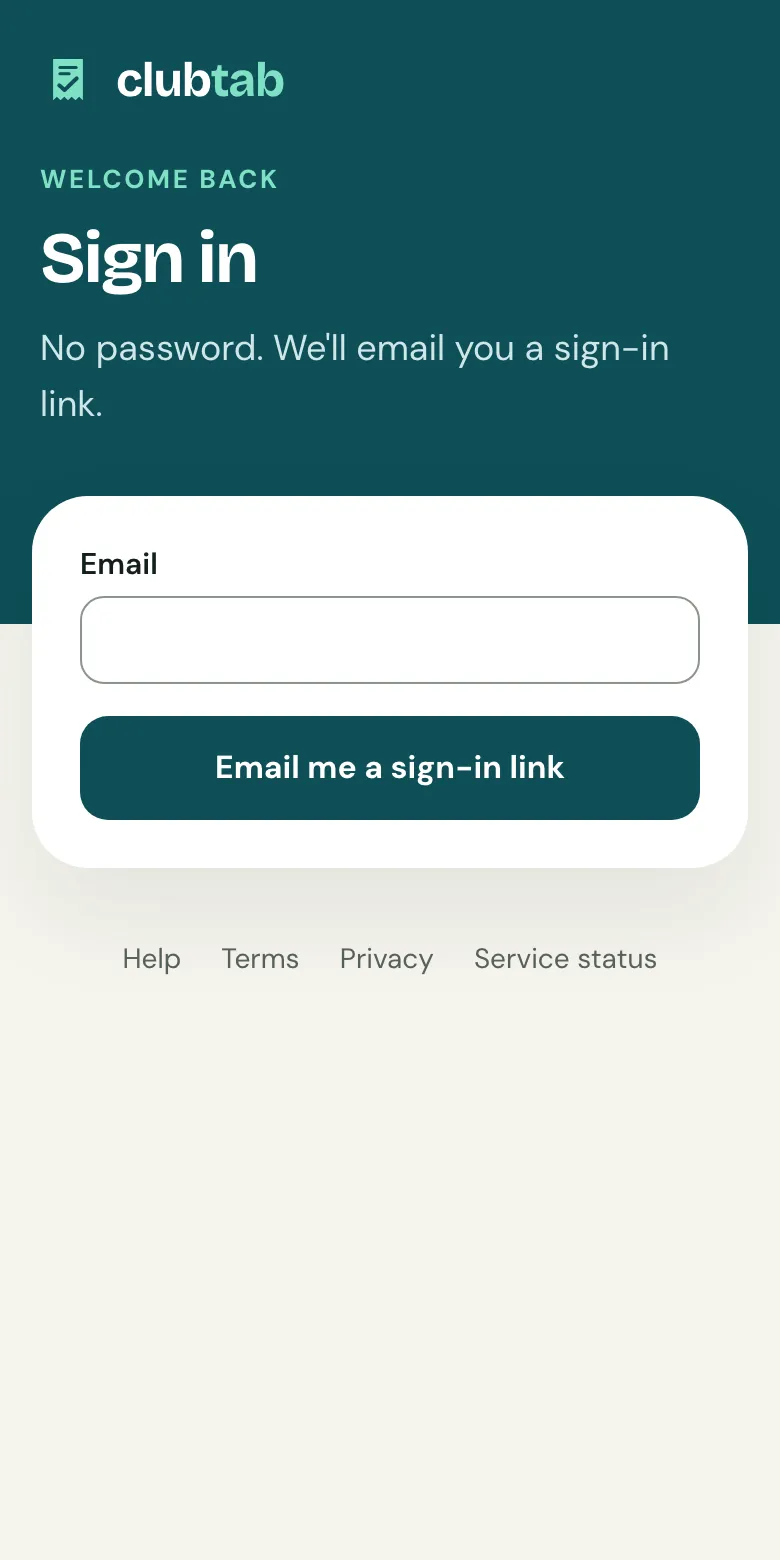
Sign in with an email link
- Choose Sign in, enter your email and choose Email me a sign-in link.
- Open the email and tap the link.
The link works once, for 15 minutes. Nothing there? Check your spam folder. This device then stays signed in for 30 days.
Add a passkey
A passkey lets you sign in with Face ID, a fingerprint or your phone's screen lock.
- Open Your account: from the menu under your initials on your team's pages, or Your account on your club's pages.
- Under Signing in, name this device, like "Rhian's iPhone", and choose Add a passkey.
- Follow your phone or browser's steps.
Next time, choose Sign in with a passkey. Lost the device? Remove its passkey from Your account. You can always sign in with an email link instead.
Signing out
Choose Sign out on Your account. On a shared or club computer, always sign out when you're done.
Related guides
- Letting Clubtab support inLet Clubtab support see your team in Clubtab to sort out a problem, for as long as you choose. They can never move money, and you can stop it any time.
- Invite a co-managerOpen Team managers and choose Invite a co-manager, by email or with a link. Co-managers can match payments, send requests and add receipts.
Still stuck? In the app, open Help and choose Contact support, or email [email protected]. We reply within one working day.